To calculate sine on a calculator, ensure the calculator is in degrees mode (indicated by 'DEG' at the top), then press the sine function followed by the angle value; for example, sin(30) = 0.5. If the calculator displays -0.988 instead, it is likely in radian mode. To find the inverse sine (arcsin), use the second function of the sine button; for example, sin⁻¹(0.5) = 30°.
安装我们的扩展,即时搜索任意视频内容
How to Use Sin on a Calculator本站添加:
How do you sign on the calculator? Let's try sign 30.
First, make sure your calculator is in degrees mode. You should see a DEG at the top of the screen. Now, press sign 30. So, the answer is 0.5 or 1/2. If your calculator gives you -0.988, don't panic. Your calculator is probably in radian mode.
Now, let's calculate the inverse. Second function, sign. Sign inverse of 0.5.
Notice, you'll get back the 30°.
相关推荐

A Number Plus 5 Is 12
MathGirlTutor
101 views•2026-06-03

Olympiad Mathematics | Indian | Can You Solve This One?
PhilCoolMath
650 views•2026-06-03

H2 Math June Holiday 2026 Intensive Revision | H2 Math Tuition by Achevas #singaporemath #h2math
AchevasTV
304 views•2026-06-01

Escaping the Fog
LogicLemurGaming
760 views•2026-06-03

slick TMUA geometry!
JPiMaths
109 views•2026-06-04

Edexcel IAL S2 Statistics June 2025 - Complete Paper Walkthrough | WST02/01
Math_Mind_1
140 views•2026-06-03
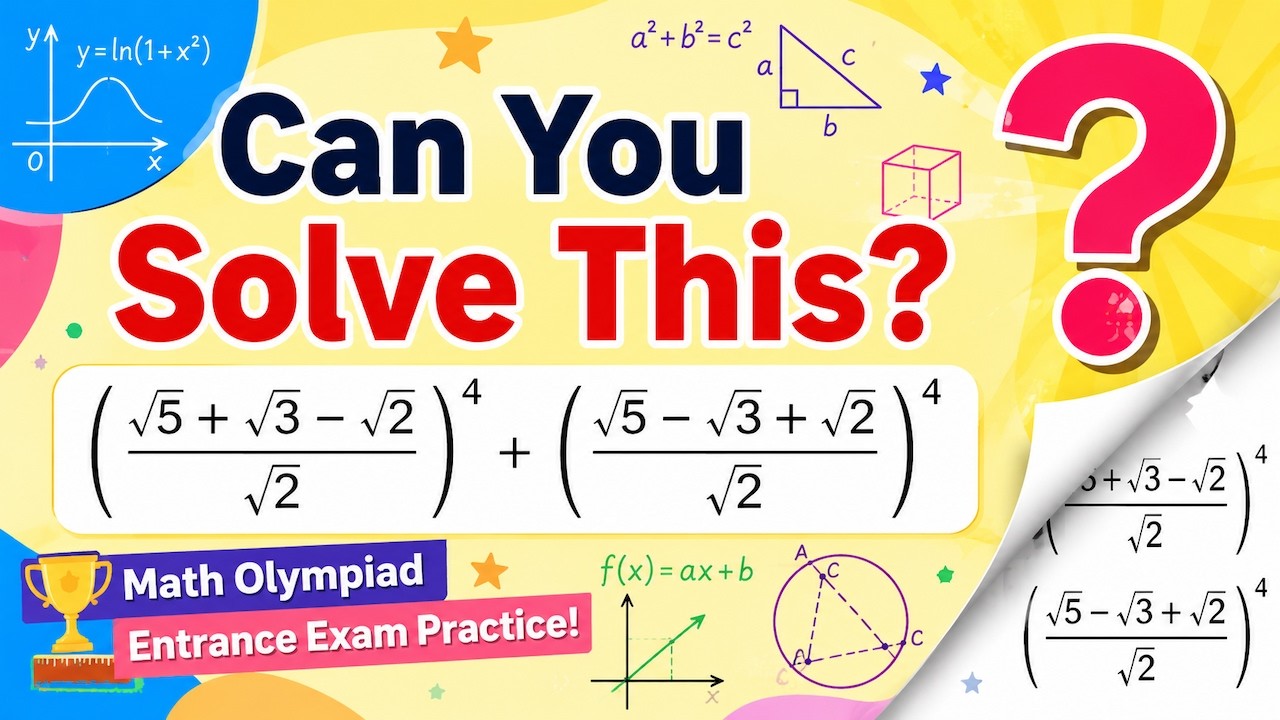
A Brutal Radical Expression Made Easy! The Shortcut Changes Everything.
tamoshop
112 views•2026-06-02

Is This Pentomino Tileable?
3cycle
241 views•2026-05-30



